A familiar situation: you post a link in your email newsletter, the offer gets turned off — and every click after that leads nowhere. With a smart link, this doesn't happen.
Here's how the tool works and why it has become a must-have for webmasters running email campaigns.
What Is a Smart Link
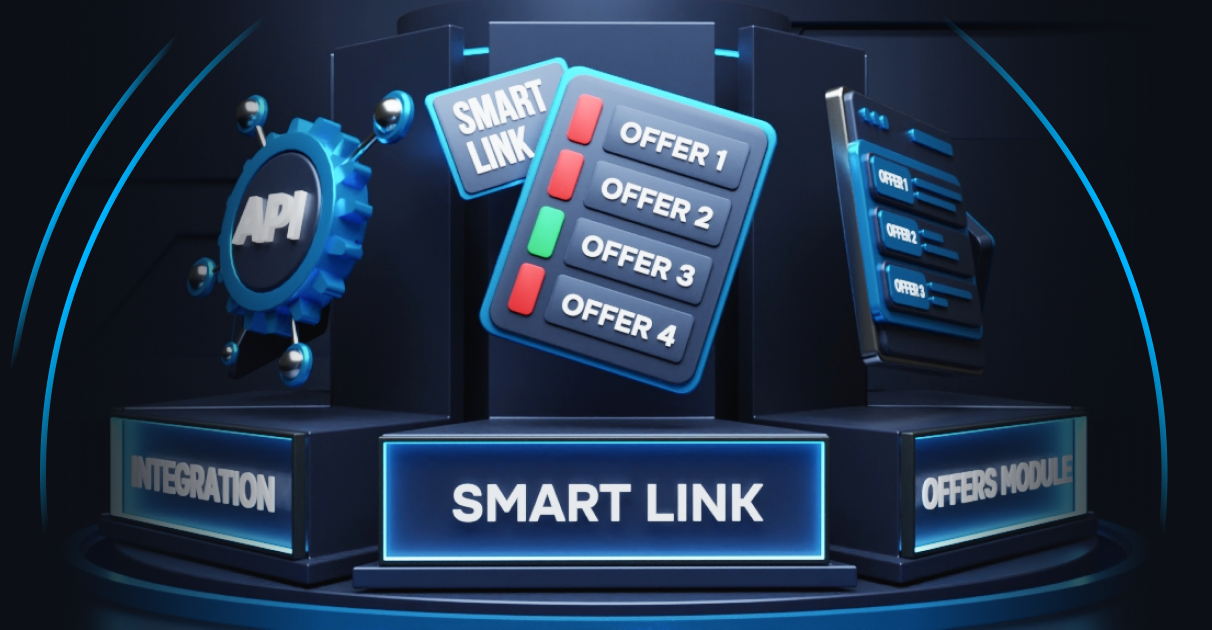
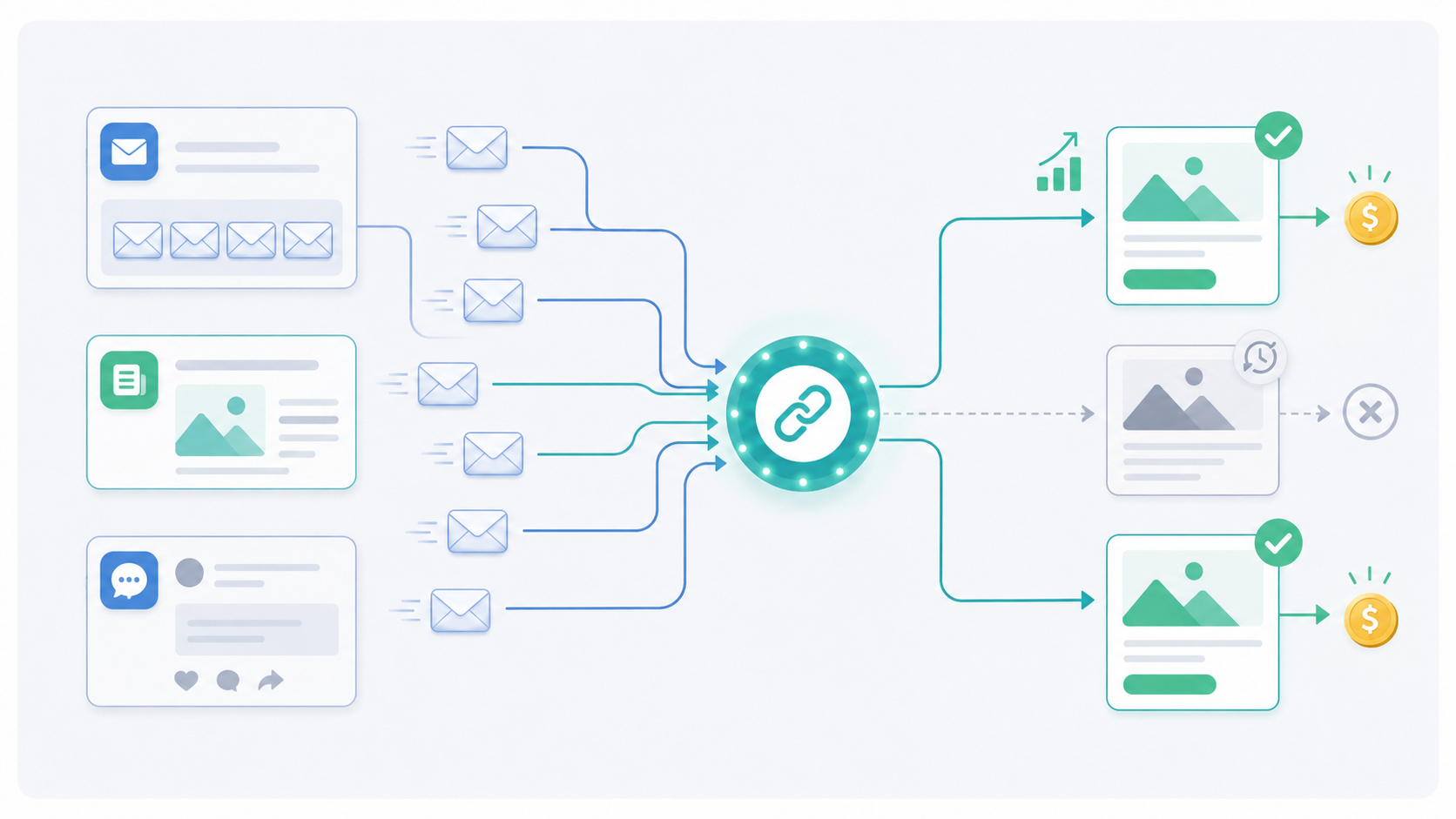
A smart link is a single link that hides an entire pool of offers behind it. On every click, the system automatically decides which offer to send the user to — based on their geo, conversion history, and which offers in the pool are currently active.
If one of the offers gets deactivated, traffic is automatically redistributed to the next active one. No click is ever wasted.
How the System Chooses an Offer
On every redirect, LeadCore takes into account:
Auto-ranking by EPC — the offer with the best earnings per click is always shown first. No need to manually re-sort the list every week.
History-based exclusion — if a user has already clicked or converted on an offer, the system won't show it to that user again. This draws on Leadgid's global tracker database.
Fallback logic — if every offer in the pool has already been excluded for a given user, you can assign a default offer so the click isn't lost.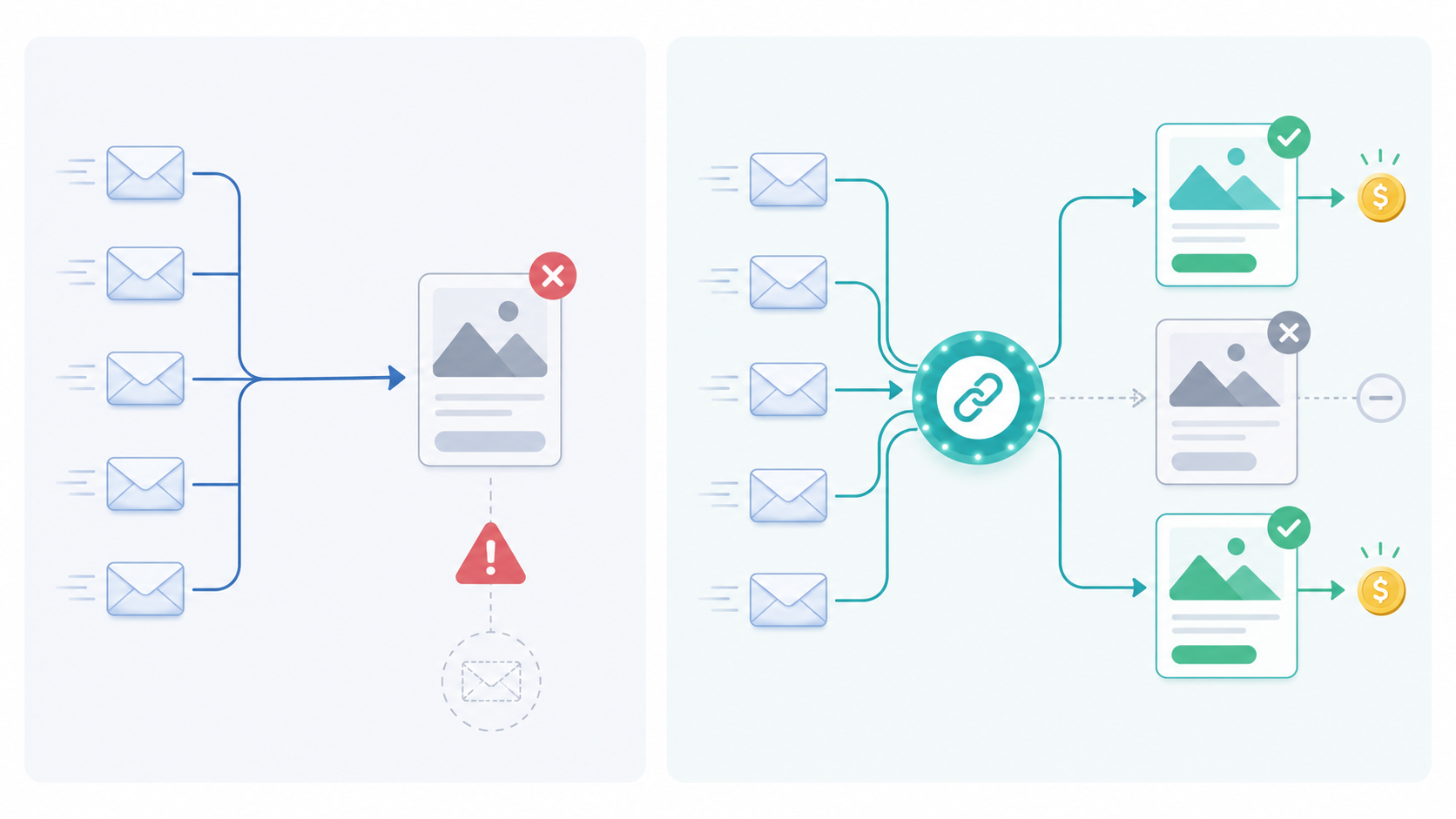
The Key Feature: Editing Without Replacing the Link
You can change the offers inside a smart link at any time — even after the link has already been published and sent out to thousands of people. The link stays the same for users, while the content behind it is updated from your dashboard.
How It Works in Practice
An affiliate ran a blog featuring roundups of financial products. Previously, each article contained direct links to offers — so whenever an offer was deactivated, the piece would break and had to be manually reworked.
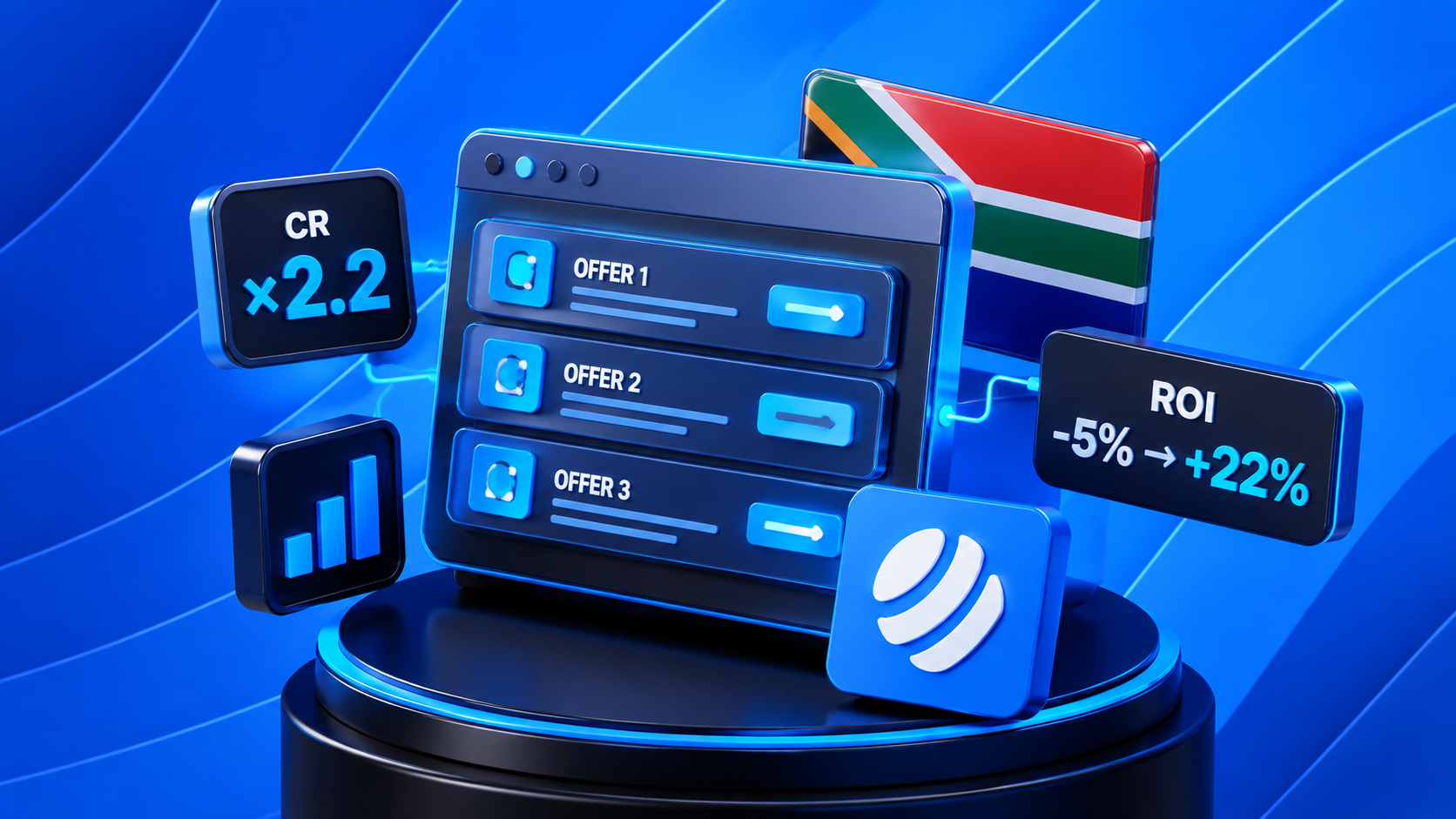
After switching to a smart link, he kept a single link in each piece of content and updated the offers behind it from the dashboard with one click. He turned on auto-ranking and history-based exclusion — each user first landed on the most profitable offer, and on return visits saw only new offers. EPC grew by 27%.
Where to Use a Smart Link
Email and SMS campaigns — insert it once, and the system updates the offers automatically. No need to send a new campaign every time the pool changes.
Telegram and social media — one link in a post, and LeadCore distributes traffic among the current offers.
Blogs and SEO — a smart link replaces dozens of manual redirects. Older content stays relevant indefinitely.
Trafficback — if a user doesn't convert on the primary offer, the smart link redirects them to the next one in the pool.
Bottom Line
A smart link in LeadCore is insurance against dead offers, automatic EPC growth, and full control over your traffic even after publication. Set it up once — it works everywhere.