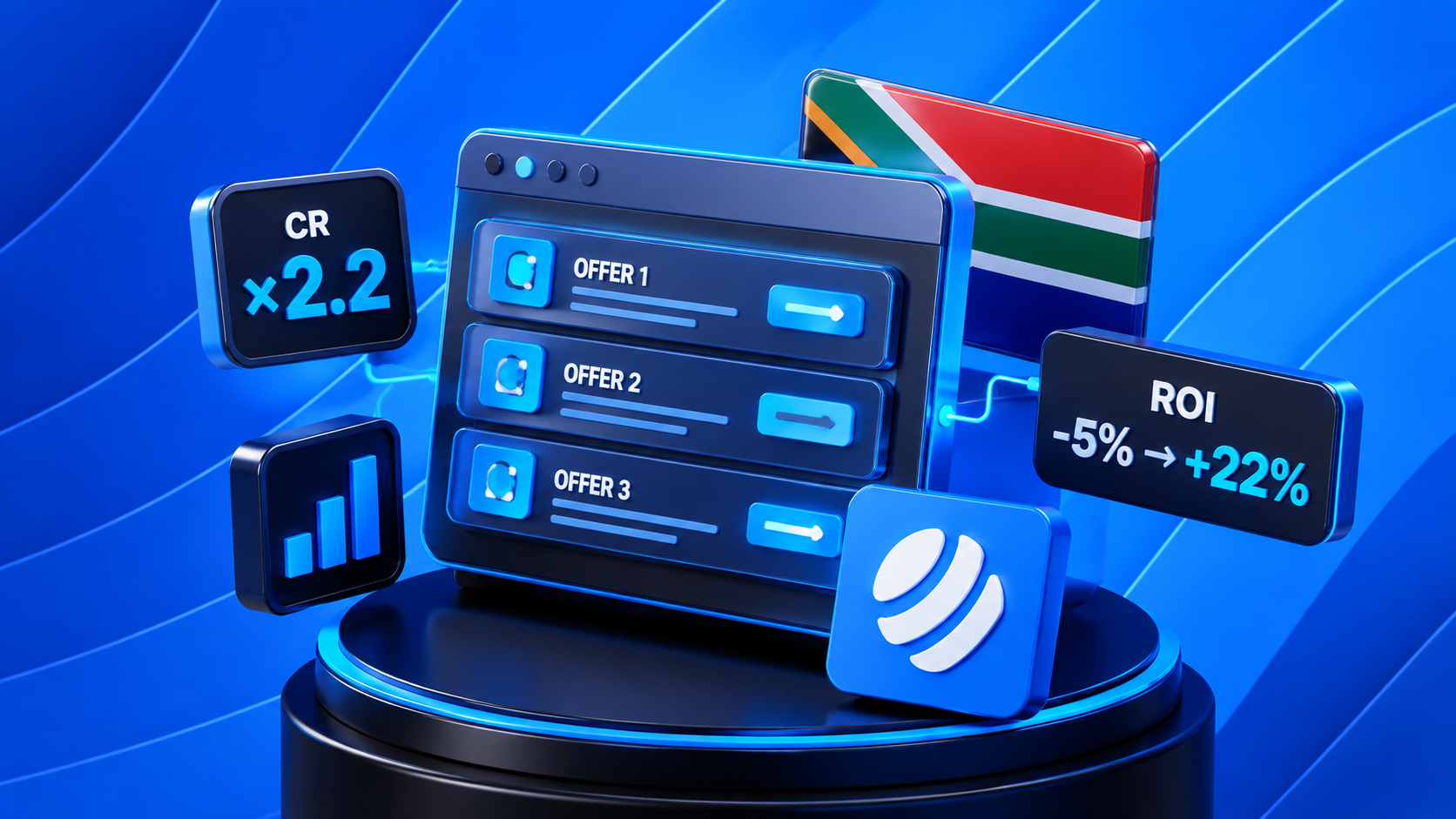
If you're still sending traffic to a single landing page with a single offer, you're losing conversions. A showcase presents the user with several relevant offers matched to their GEO and language. More choice = higher chance of conversion.
Here's how to build a showcase in LeadCore from scratch.
What is a showcase in LeadCore?
A showcase isn't just a page with a list of offers. It's a tool that automatically selects relevant offers for each user based on their country, language, and device. The more precise the match — the higher the conversion.
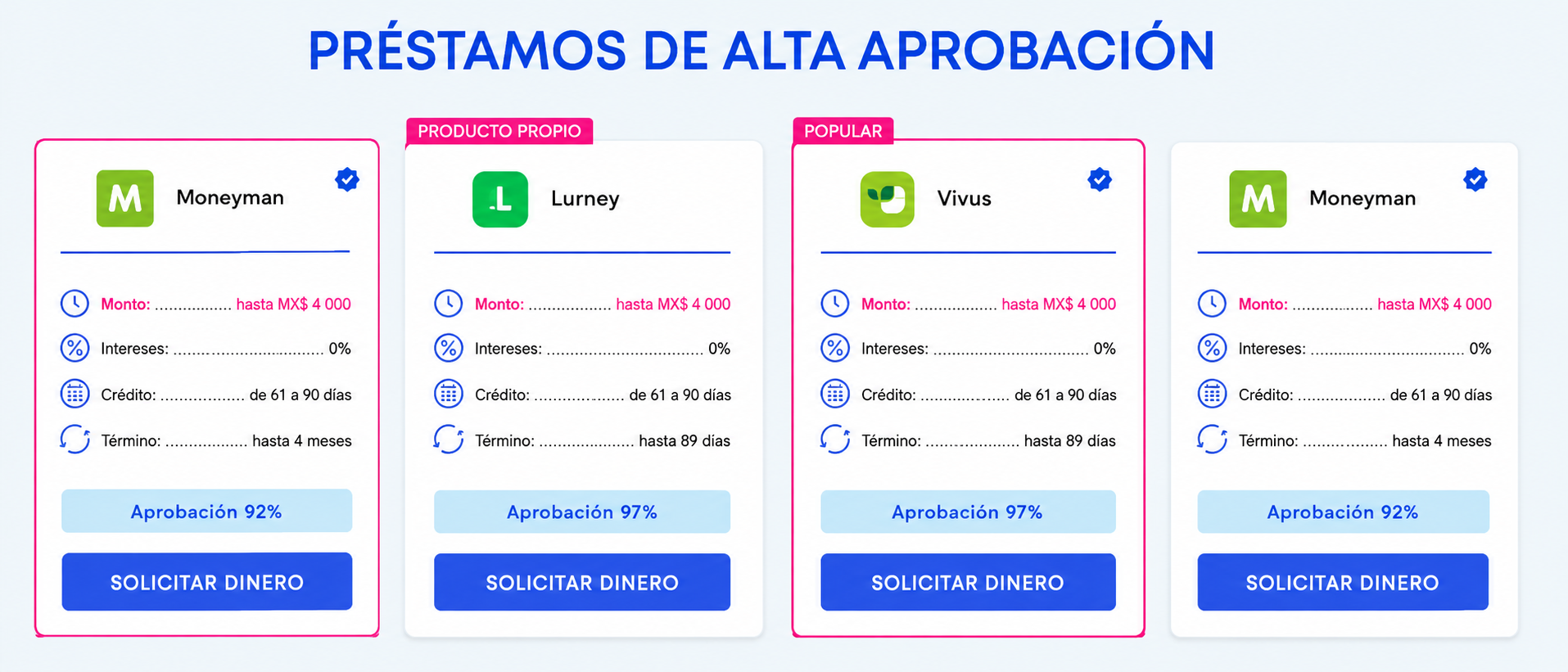
Setup takes about 5 minutes: pick a template, configure a domain, connect your offers — and the showcase is ready to launch.
Step 1. Choose a domain
For your showcase, you can use:
-
A shared domain with a unique identifier — fast start, no extra steps
-
Your own domain, pre-parked on LeadCore — for those building a brand
Step 2. Pick a template for your market
Templates are already adapted for 10 countries and 7 languages. No need to build from scratch for each GEO — pick the right variant and customize it.
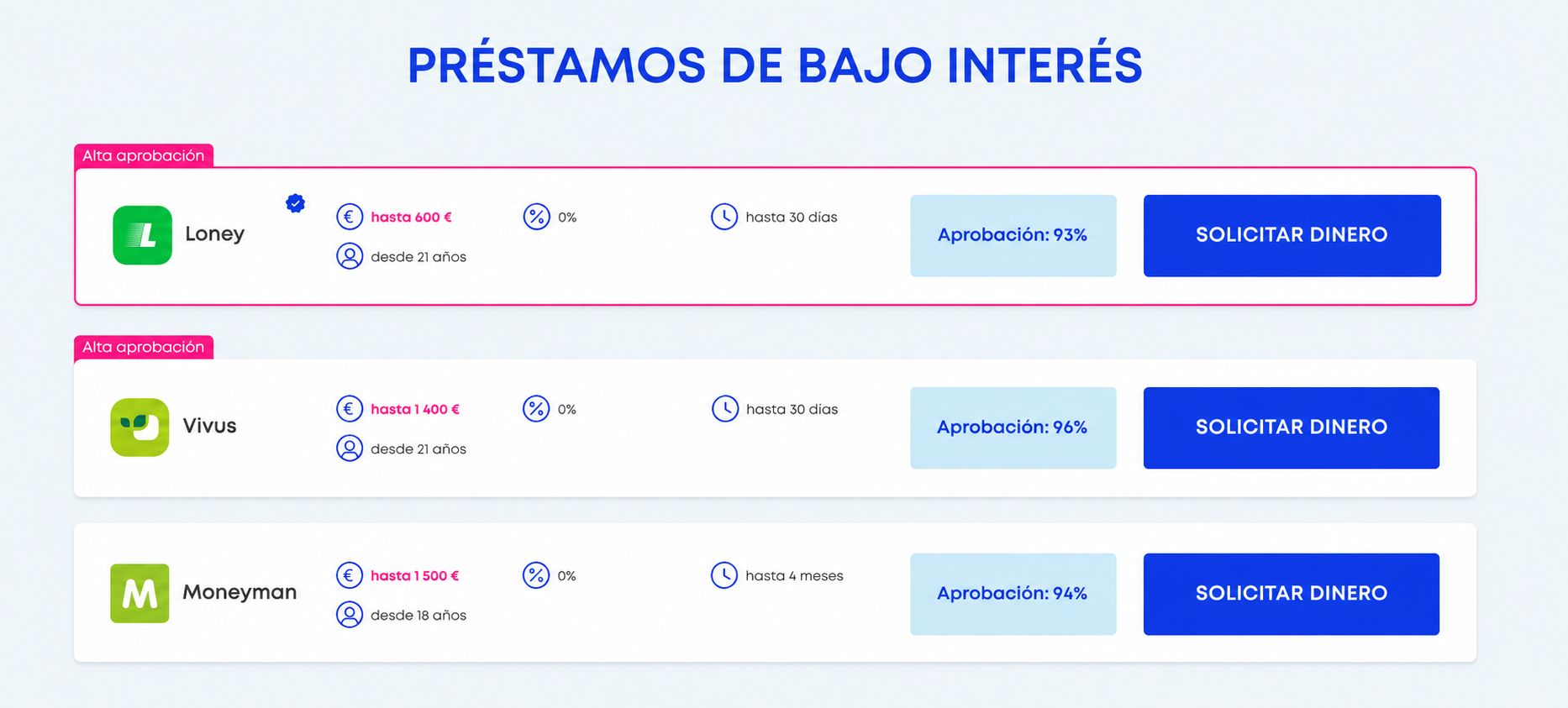
Step 3. Connect your offers
Add offers to the showcase and enable EPC-based ranking — the system automatically pushes the highest-earning offers to the top. No need to manually re-sort the list every week.
Step 4. Customization
This is where fine-tuning happens:
-
Logo and favicon
-
Tracking pixel codes
-
Custom JS and HTML
-
Clickable banner
The showcase ends up looking exactly the way you want — not like a generic soulless template.
Step 5. Additional tools
After the basic setup, you can enable:
-
Trafficback comebacker — redirects users to a secondary offer if they didn't convert the first time
-
Pop-up and scroll widgets — interactive elements that boost engagement
-
Custom tracking domain — for clean analytics
Conclusion
A LeadCore showcase takes 5 minutes to build, but works for you around the clock: automatic EPC ranking, GEO and language adaptation, flexible customization. It's not a one-time setup — it's a tool that scales with your traffic.